Customizing MotiveWave Order Flow Charts
This official MotiveWave webinar covers the complete process of setting up and customizing order flow charts from scratch. MotiveWave is known for its clean interface and powerful order flow tools.
Chart Types Covered
- Volume Profile — using the volume imprint study to overlay session profiles
- Footprint Charts — setting up bid/ask volume display, including on Renko charts
- Delta Charts — configuring cumulative and per-bar delta visualization
- Order Heatmap — a real-time visualization of limit order book depth for trade execution
Customization Options
- Bar and chart themes for visual clarity
- Scaling and studies configuration
- DOM (Depth of Market) layout
- Custom toolbar setup for quick access to order flow tools
Data Requirements
To use MotiveWave’s order flow features, you need market depth (Level 2) data and historical tick data. The video explains which data connections (like Rithmic and CQG) provide this data and how to set them up.
Platform Editions
Advanced order flow features are available in MotiveWave’s Order Flow Professional and Ultimate editions. A 14-day free trial is available to explore the software.
Related Videos
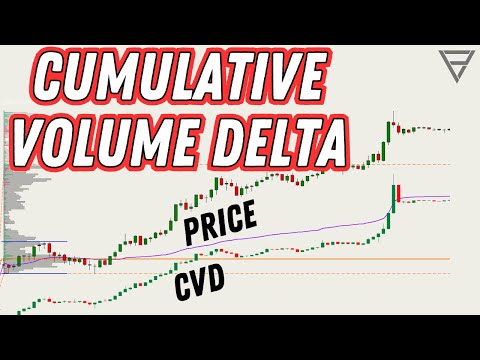
Cumulative Volume Delta - One of the Best Orderflow Trading Tools
Learn how to use Cumulative Volume Delta (CVD) to identify divergences, confirm trends, and spot reversals in your order flow analysis.
Watch video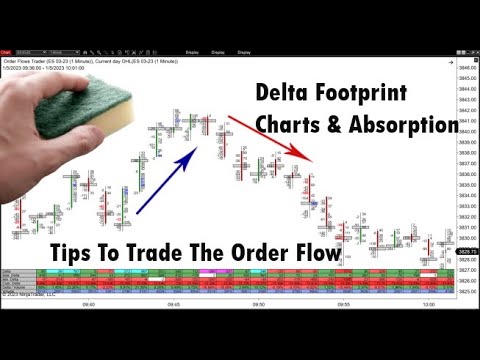
Delta Footprint Charts: Finding Absorption and Aggressive Trading
Learn how to use delta footprint charts to identify absorption zones and aggressive order flow patterns that signal institutional activity.
Watch video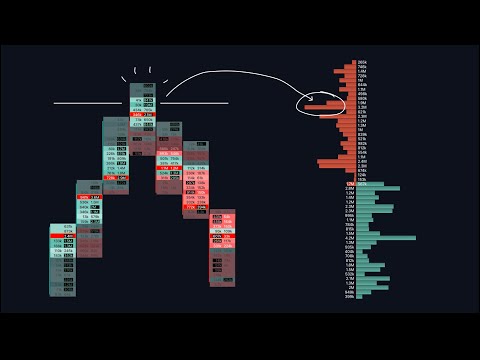
Footprint & Orderflow Charts: A Comprehensive Guide
An in-depth 34-minute walkthrough covering footprint chart basics, heatmaps, tick sizes, volume clusters, delta indicators, and open interest analysis.
Watch video
Master Order Flow Trading in Less Than One Hour
A comprehensive crash course covering Auction Market Theory, market microstructure, footprint charts, cumulative volume delta, and volume profile with practical trading examples.
Watch video