How to Use Vtrender with Volume Profile & Market Profile
This video is a complete guide to using Vtrender’s charting platform for volume profile and market profile analysis — two of the most essential tools for order flow traders.
Volume Profile
- Setting up volume profile on Vtrender charts
- Identifying the Point of Control (POC) — the price level with the most traded volume
- Reading the Value Area (VA) — where 70% of trading activity occurs
- Using volume nodes to identify support and resistance zones
- Composite vs session-based volume profiles
Market Profile
- Understanding TPO (Time Price Opportunity) charts
- Reading the Initial Balance — the first hour’s trading range
- Single prints and poor highs/lows as directional clues
- Using market profile structure to classify the day type
- Combining market profile with order flow for complete analysis
Platform Walkthrough
The video demonstrates the complete setup process on Vtrender’s charts, including configuration options, layout customization, and how to efficiently switch between different analysis views during the trading day.
Related Videos

Bookmap Education Course Part 1: Trading Order Flow & Market Depth
A comprehensive Bookmap course covering DOM trading, market depth visualization, order flow phenomena, and how to read the heatmap for better trading decisions.
Watch video
Bookmap Tutorial: How to Read Order Flow to Find Better Trades
Learn how to use Bookmap's visual order flow tools to identify high-probability trade setups by reading real-time market depth and liquidity patterns.
Watch video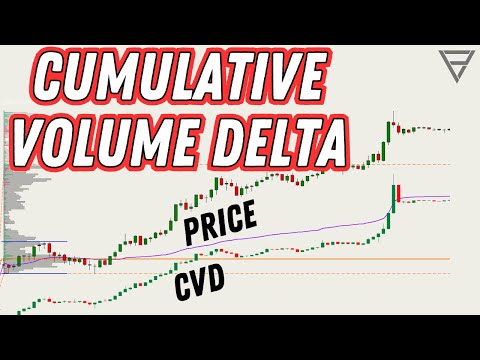
Cumulative Volume Delta - One of the Best Orderflow Trading Tools
Learn how to use Cumulative Volume Delta (CVD) to identify divergences, confirm trends, and spot reversals in your order flow analysis.
Watch video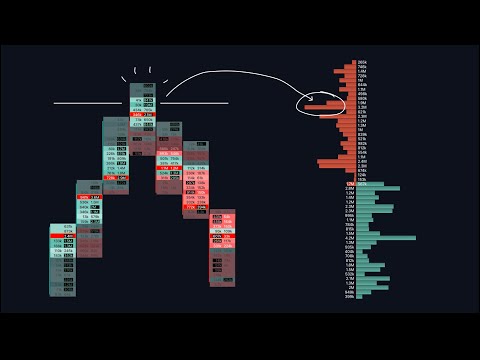
Footprint & Orderflow Charts: A Comprehensive Guide
An in-depth 34-minute walkthrough covering footprint chart basics, heatmaps, tick sizes, volume clusters, delta indicators, and open interest analysis.
Watch video