NinjaTrader: Order Flow Tools - Cumulative Delta and Volumetric Charts
This official NinjaTrader tutorial provides a comprehensive look at their built-in order flow tools, focusing on cumulative delta and volumetric chart types.
Cumulative Delta
- How to display cumulative delta as a chart indicator
- Interpreting bid/ask order imbalances to identify trade opportunities
- Using delta divergences to spot potential reversals
- Combining delta with price action for confirmation
Volumetric Charts
- Setting up volumetric bar charts that display bid/ask volume split at each price level
- Reading the bid/ask columns to identify aggressive buyers and sellers
- Configuring imbalance highlighting to spot institutional activity
- Customizing colors and thresholds for your trading style
Platform Setup
The video walks through the complete setup process from opening a new chart to configuring all the order flow indicators, making it easy to follow along in your own NinjaTrader workspace.
Related Videos

Bookmap Education Course Part 1: Trading Order Flow & Market Depth
A comprehensive Bookmap course covering DOM trading, market depth visualization, order flow phenomena, and how to read the heatmap for better trading decisions.
Watch video
Bookmap Tutorial: How to Read Order Flow to Find Better Trades
Learn how to use Bookmap's visual order flow tools to identify high-probability trade setups by reading real-time market depth and liquidity patterns.
Watch video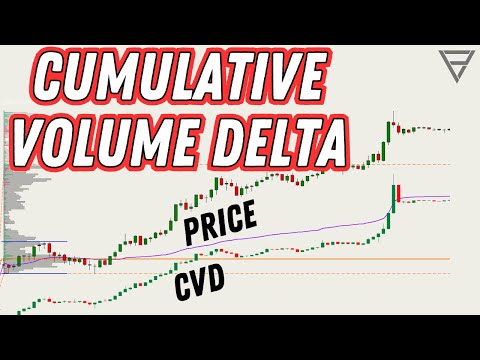
Cumulative Volume Delta - One of the Best Orderflow Trading Tools
Learn how to use Cumulative Volume Delta (CVD) to identify divergences, confirm trends, and spot reversals in your order flow analysis.
Watch video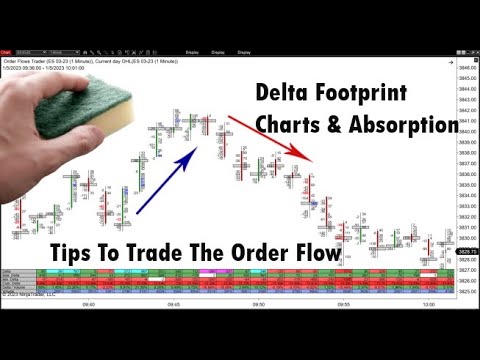
Delta Footprint Charts: Finding Absorption and Aggressive Trading
Learn how to use delta footprint charts to identify absorption zones and aggressive order flow patterns that signal institutional activity.
Watch video